Create PDF from Microsoft Forms via Power Automate
Requirement: when a user submits the response from the Microsoft Form, it will convert the Form into PDF and store it in a specific SharePoint document library. Create a Microsoft….

Requirement: when a user submits the response from the Microsoft Form, it will convert the Form into PDF and store it in a specific SharePoint document library. Create a Microsoft….
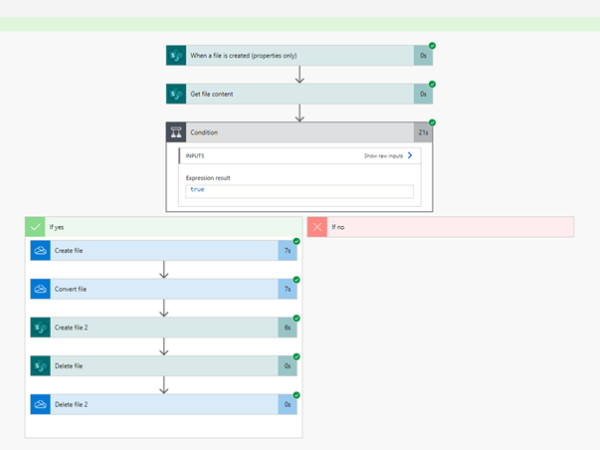
Requirement: when a user uploads an excel report to a document library, it will convert the excel report into PDF, store it in a specific SharePoint Document library, and remove that….
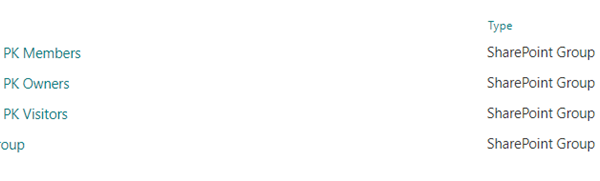
Requirement: To Provide a SharePoint document library permissions, SharePoint Administrator or SharePoint site owner, can change the permission, so that the correct people can able access the data that they need to….
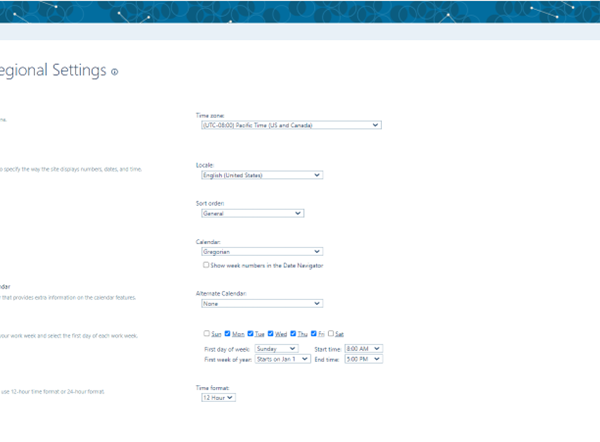
Requirement: Set a Proper SharePoint Time Zone for Users. There are 2 types of time zone settings in SharePoint: Regional and Personal. Regional Setting: Regional (Administrative setting). It is important to note that the Regional Setting….
Requirement: how to format a currency column in Power Apps using the South African currency format, Rand Initially create a sharepoint list, connect to power apps For that, insert the below….
Requirement: when a user retrieves data from the SharePoint list currency column and imports it into Power Apps, the column will display the data with the relevant currency format Initially….
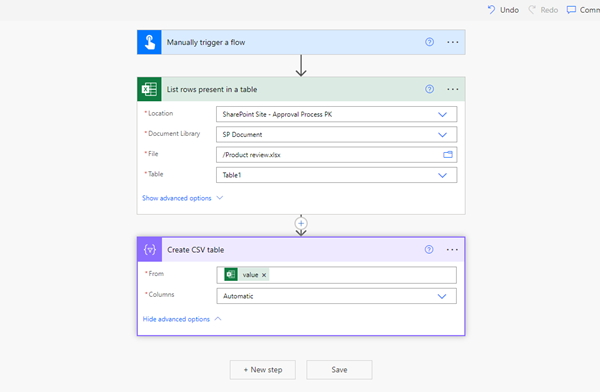
Requirement: Create a CSV table from an excel file using Power Automate. Initially create an excel sheet called the Product review excel sheet, which is used to create a CSV….
Requirement: Power Automate create a CSV table and then create a CSV file using Power Automate. Use the SharePoint list called EmployeeDetails list. Use this list to create a CSV file…..
Requirement: Create a CSV table custom columns using Power Automate. In Power Automate, select the Manually triggered flow, then click on the Next step. Power Automate create CSV table custom columns….
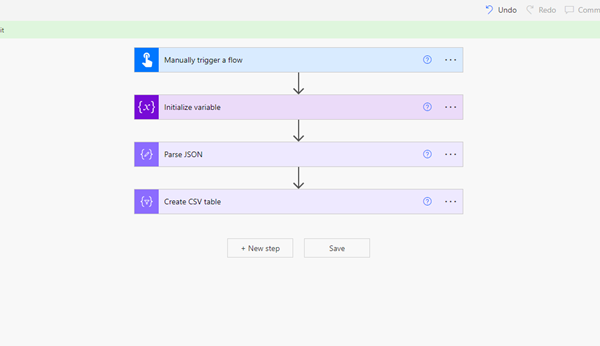
Requirement: Create a CSV table from an array using Power Automate. In Power Automate, select the Manually triggered Flow, then click on the Next step. Select Initialize variable action, then provide the….