Power automate if body is empty
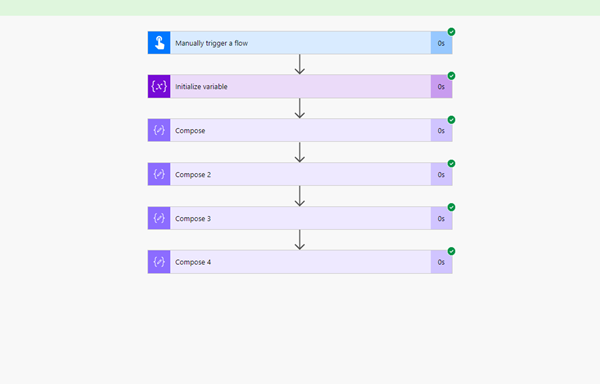
Requirement: how to create a Power Automate if the body is empty Create a Manually trigger a flow. Next take an compose action as an empty array. Add another action….

Requirement: how to create a Power Automate if the body is empty Create a Manually trigger a flow. Next take an compose action as an empty array. Add another action….
Requirement:Power Apps View A PDF Stored In A SharePoint Document Library Create a new SharePoint document library called SP Document and upload PDFs to it. Also upload at least one additional….
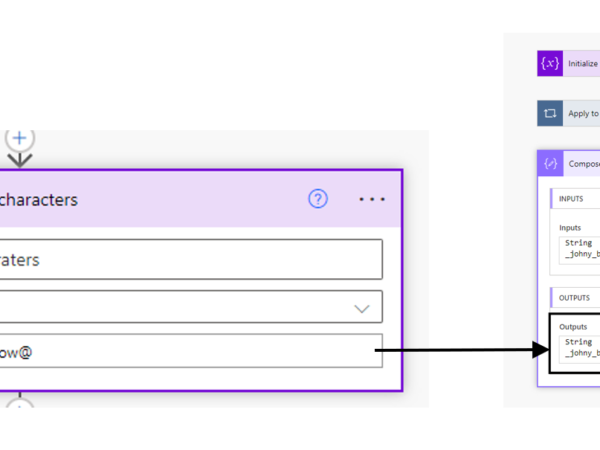
Requirement: how to replace all special characters from the string in Power Automate. Create “Manually trigger a flow” and add an action “initialize variable” and then give a variable name,….
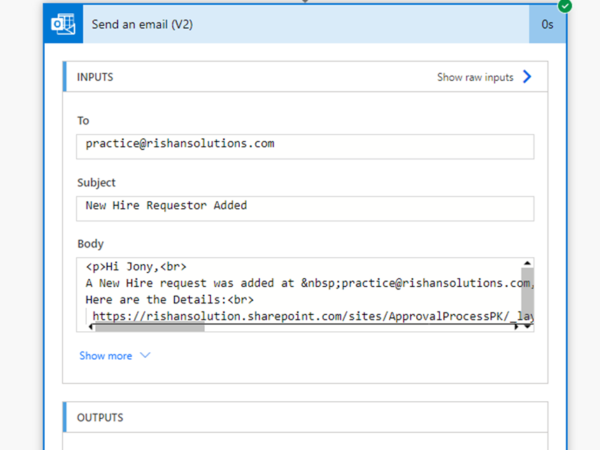
Requirement: how to automate the Employee onboarding process using Microsoft Flow or Power Automate. Create a SharePoint list “Employee Onboarding” and create a list as shown in below: Add a….
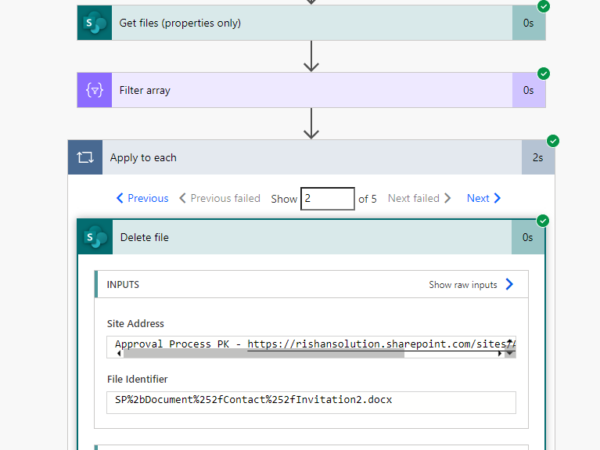
Requirement: how to delete files in SharePoint Folder using Power Automate or Microsoft Flow. Take a SharePoint Folder in the library called Contact, so create a flow that will delete….
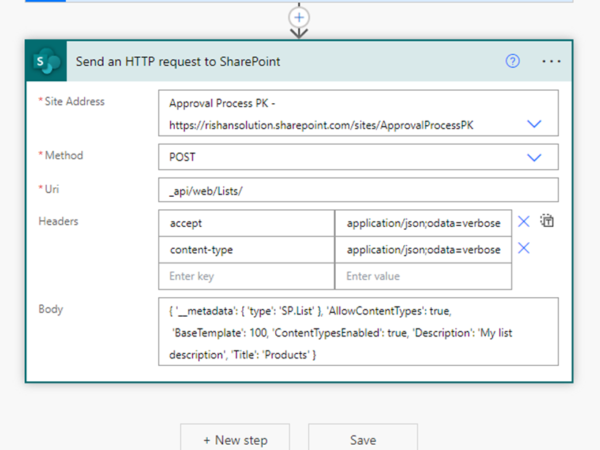
Requirement: how to create a SharePoint list dynamically using Power Automate. Click on +create a flow from Home page, click on Instant flow, Provide name to the flow, Select manually trigger….
Requirement: How to split and trim the value in power automate using variable Click on +Create > Instant flow> Provide a name for the flow> Manually trigger flow> Click on….
Requirement: To create a send Happy Birthday email to employees maintain a SharePoint List to maintain employees information, and then create a Microsoft flow. Create a new list “Birthday Wishes” add….
Requirement: how to add days to exclude weekends in power Automate. In Power Automate, select manually triggered Flow, then click on the next step. power automate add days exclude weekends….
Requirement: How to add 365 days to the given date using Power Automate. In Power Automate, Click on +create from Home Page , select instant flow, Provide name to the….