Power Automate Create CSV table from Array
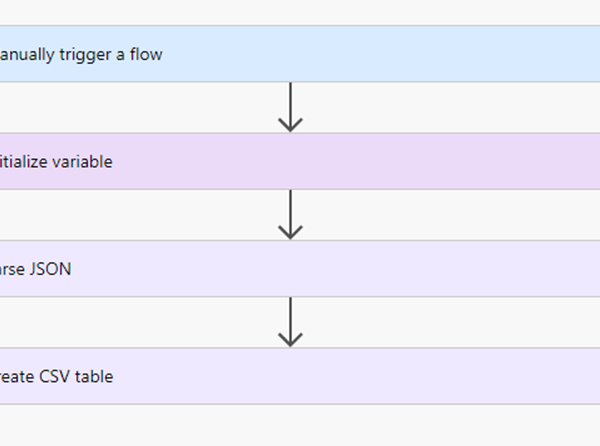
Requirement: Create a CSV table from an array using Power Automate. In Power Automate, select the Manually triggered Flow, then click on the Next step. Select Initialize variable action, then provide the….

Requirement: Create a CSV table from an array using Power Automate. In Power Automate, select the Manually triggered Flow, then click on the Next step. Select Initialize variable action, then provide the….
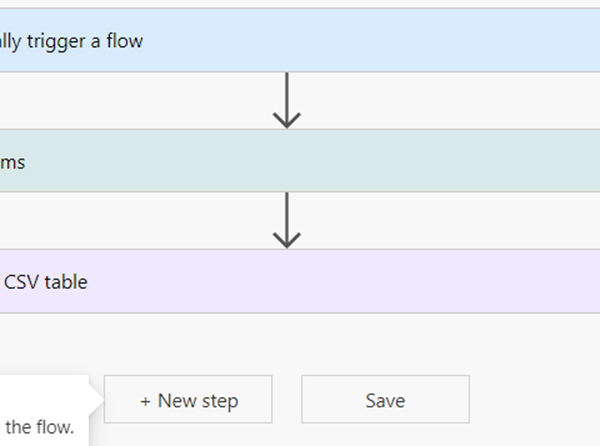
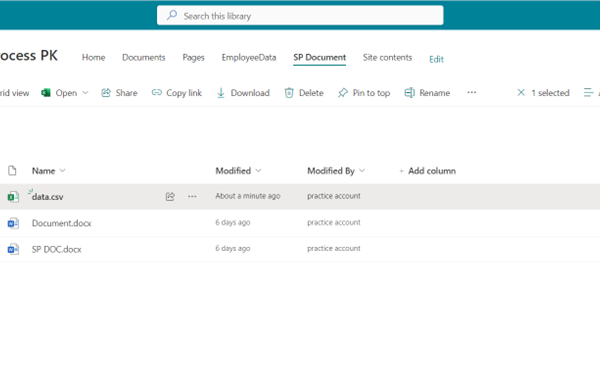
Requirement: Create a CSV table from SharePoint List using Power Automate. Initially Create SharePoint list called EmployeeDetails list, and by using the item create a CSV table. Power Automate create….
Requirement: Create CSV file from JSON using Power Automate flow In Power Automate, select the Manually triggered Flow, then click on Next step. Select Initialize variable action, then provide the variable name, and….
Requirement: Using Flow compose Date Step1: + Create from Home Page Step2: Take Instant Flow, provide name to the flow Step3: Trigger as Manually trigger a flow Step4: Click on….
Requirement: Create a csv table using Power automate flow Firstly +Create from Home page take Schedule flow Step1: Trigger “Recurrence” Step2: Add action “Get items” in that add Site Address:-….
Requirement: Creating a Leave Request Approval Flow using SharePoint, Power Apps in Power Automate Flow. Initially need to create a Sharepoint List which need to connect with Power App to….
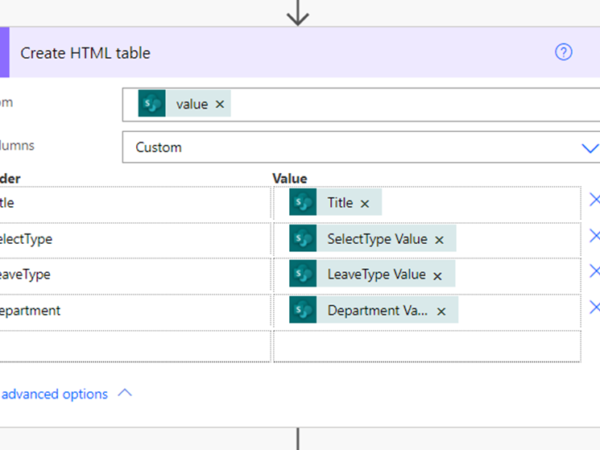
Requirement: Creating an HTML Table using SharePoint in Power Automate Flow Initially need to create a SharePoint list which needs to connect with the flow Here is the SharePoint List….
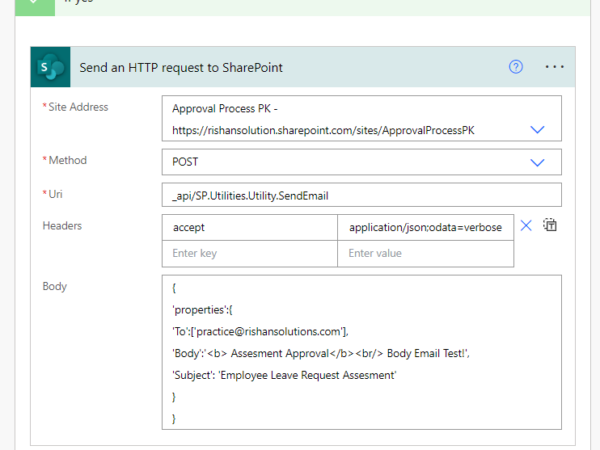
Requirement: Send an Email as “no-reply from SharePoint” in Power Automate Flow. Initially need to create a SharePoint list which needs to connect with the flow Here the Sharepoint list….
Requirement: Create a Group in Microsoft Teams through Power Virtual Agent in PowerAutomate login to Power virtual Agent through create a New Chatbot by clicking on +New Chatbot Select a….