Creating an HTML Table using SharePoint in Power Automate Flow.
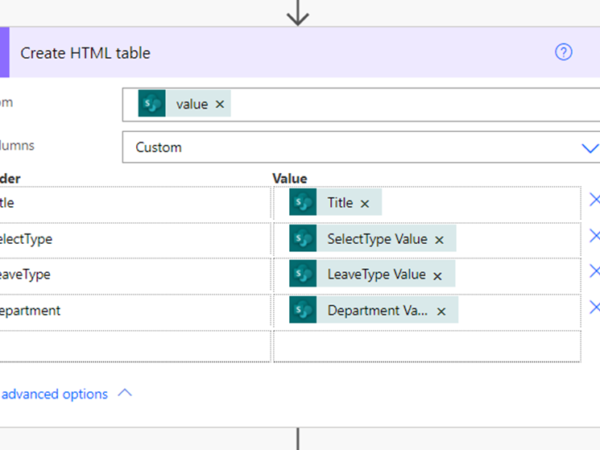
Requirement: Creating an HTML Table using SharePoint in Power Automate Flow Initially need to create a SharePoint list which needs to connect with the flow Here is the SharePoint List….

Requirement: Creating an HTML Table using SharePoint in Power Automate Flow Initially need to create a SharePoint list which needs to connect with the flow Here is the SharePoint List….
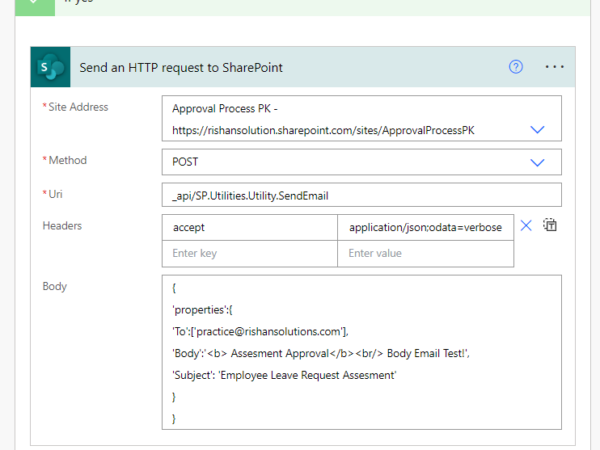
Requirement: Send an Email as “no-reply from SharePoint” in Power Automate Flow. Initially need to create a SharePoint list which needs to connect with the flow Here the Sharepoint list….
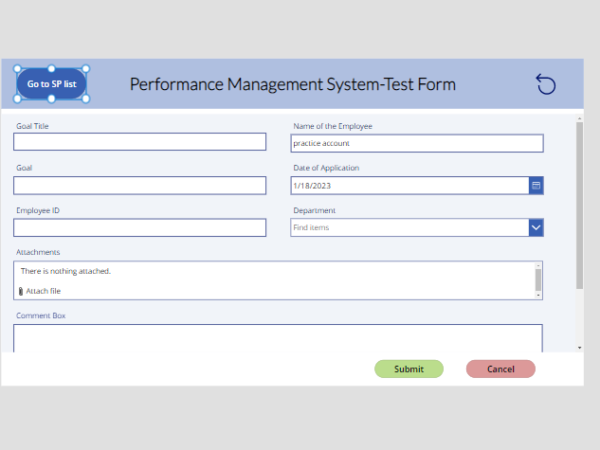
Requirement: Navigating or launch SharePoint list when click on button from PowerApps 1.Insert a button in the application [PowerApp] 2.Go to SharePoint list which you want to be launch the….
Step 1: To see the content which we created like a list or document libraries that we can able to get it from the Site Contents. These site content option….
Step 1:click on share point When we click on share point it displays as follows In these home page of the share point we can able to see the URL….